01
Load DXF or STP
Bring in a 2D DXF, or a STEP solid. Orient the model, project an outline, and save the job as SDM.
Agie WEDM programming
WireCam is a Windows tool for building cut figures from DXF or STEP and writing ISO plus Agie JE Script (.sbl / .sbr) that the machine can run.
Windows x64 · WireCamSetup.exe · v1.0 · $0
Workflow
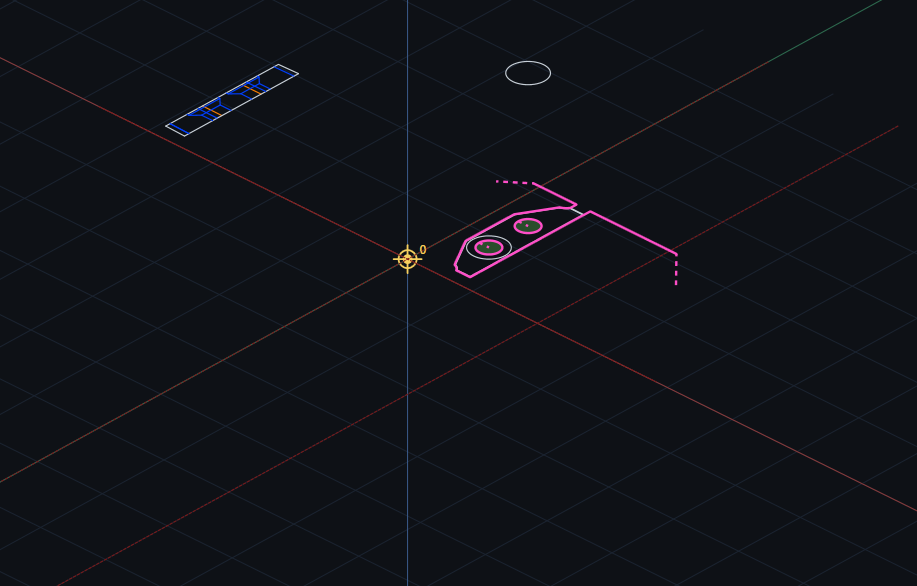
Bring in a 2D DXF, or a STEP solid. Orient the model, project an outline, and save the job as SDM.
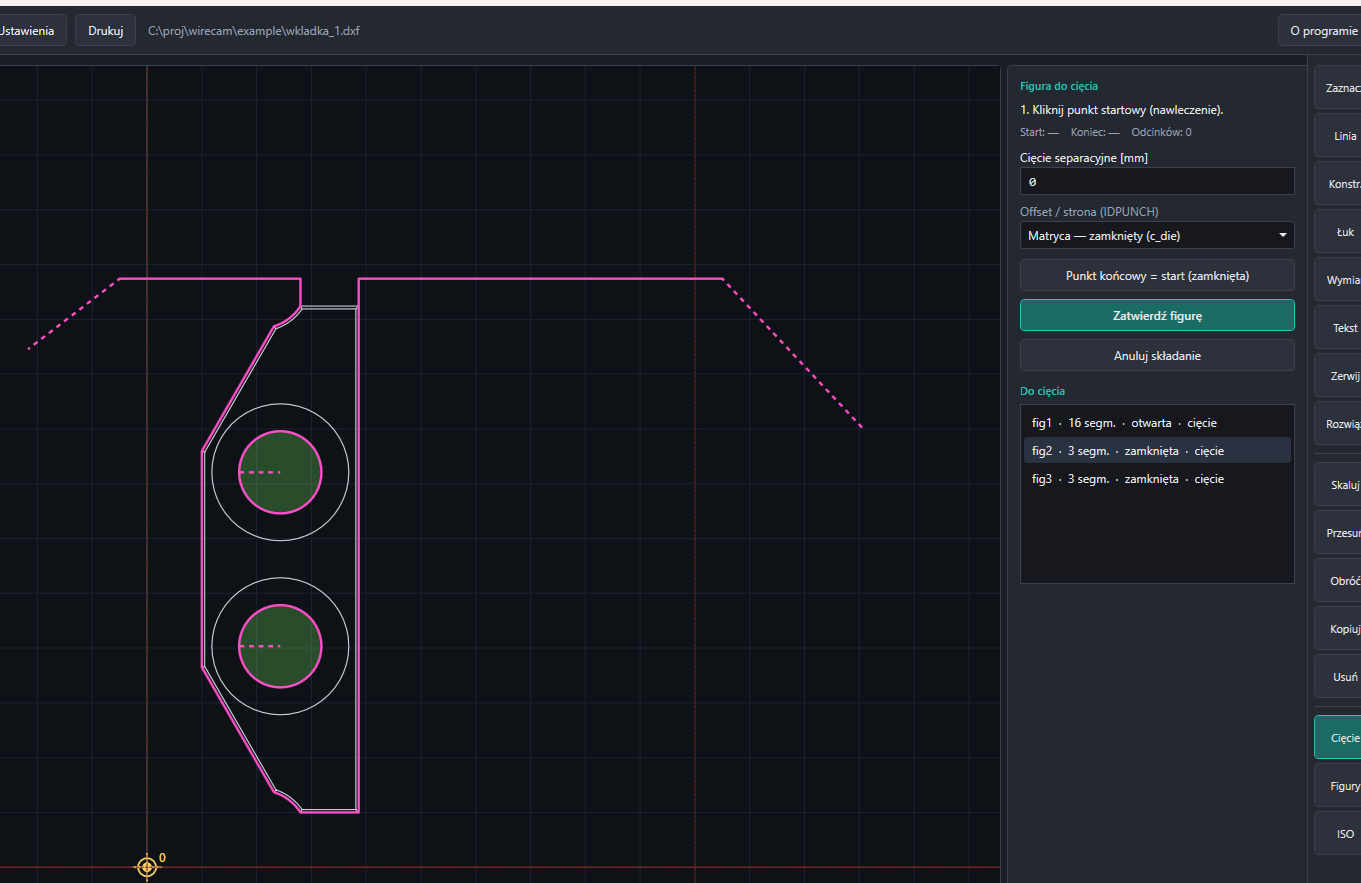
Chain segments into figures. Set punch, die, left or right compensation (ID_PUNCH), entry points, and a separation cut.
Write one ISO file per figure, plus a matching .sbl / .sbr pair in Agie JE Script. Preview the path before it reaches the tank.
On the floor
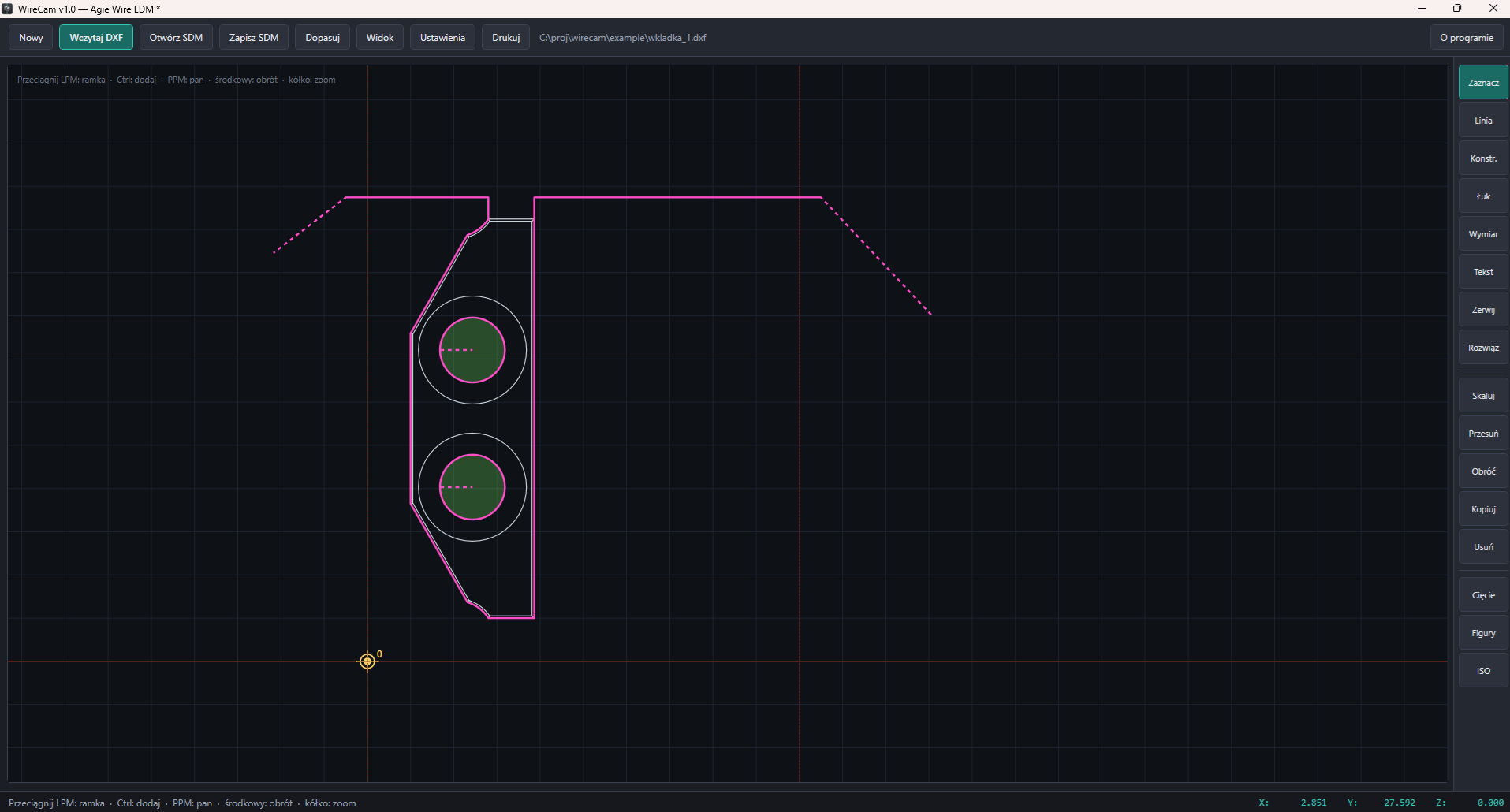
Load a DXF or a STEP solid, add or replace it, and keep the job in WireCam’s own SDM program file.
Assemble open or closed contours for cutting. Punch, die, left and right (c_punch, c_die, c_left, c_right).
Nominal geometry as G00 / G01 / G02 / G03. No technology baked into the ISO — that lives in the SBL.
SBL and SBR with startp, figure subs, workpiece height, thread (Cobra Cut A 0.25–0.1), and AGIE.USING_figN.ISO.
Lines, fillets, construction, dimensions, text, break, explode, move, rotate, copy, scale.
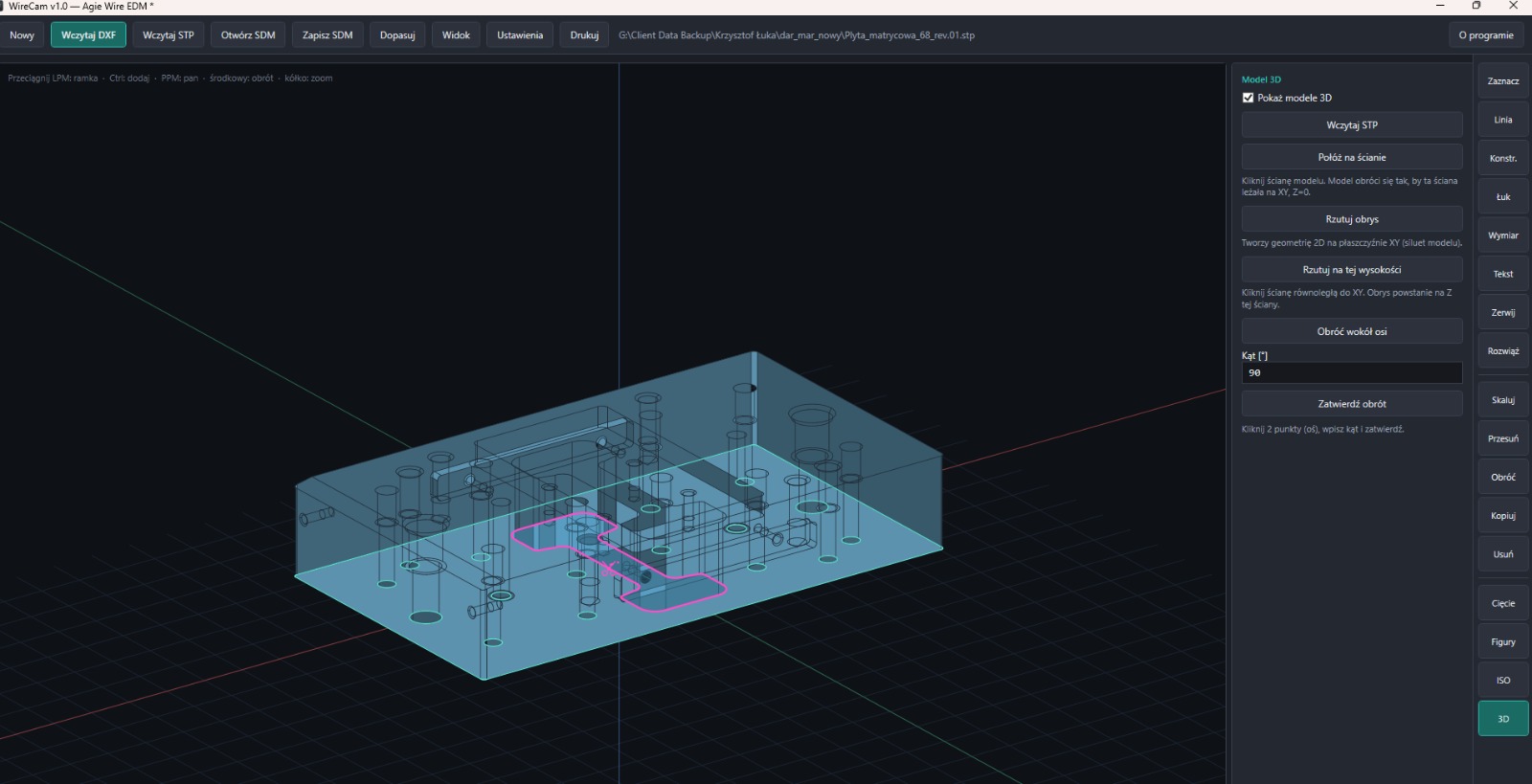
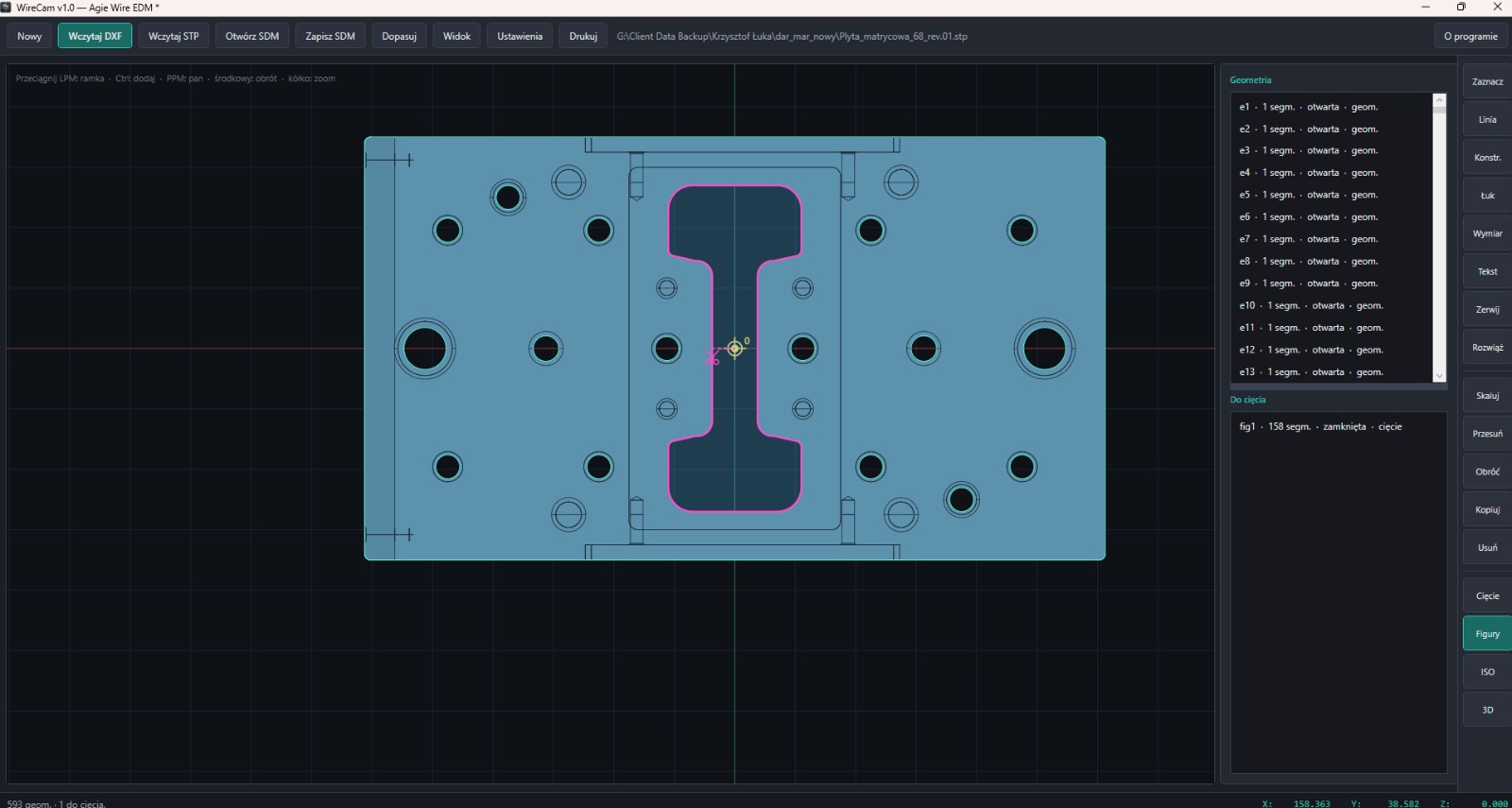
Load a solid, sit it on a face, project the outline onto XY or onto that face, rotate around an axis. XY / XZ / YZ / isometric.
Product
DXF cuts, die figures, STEP solids and 3D orientation — as the program actually looks.
The result
WireCam is for shops that already run Agie wire EDM. You keep the machine and the know-how. You stop rebuilding a DXF at the control.
One product. One price. Zero.